Lab 5: Bluetooth Accelerometer |
Goals
|
|---|---|
Part 1: Design Circuit |
Design Your Circuit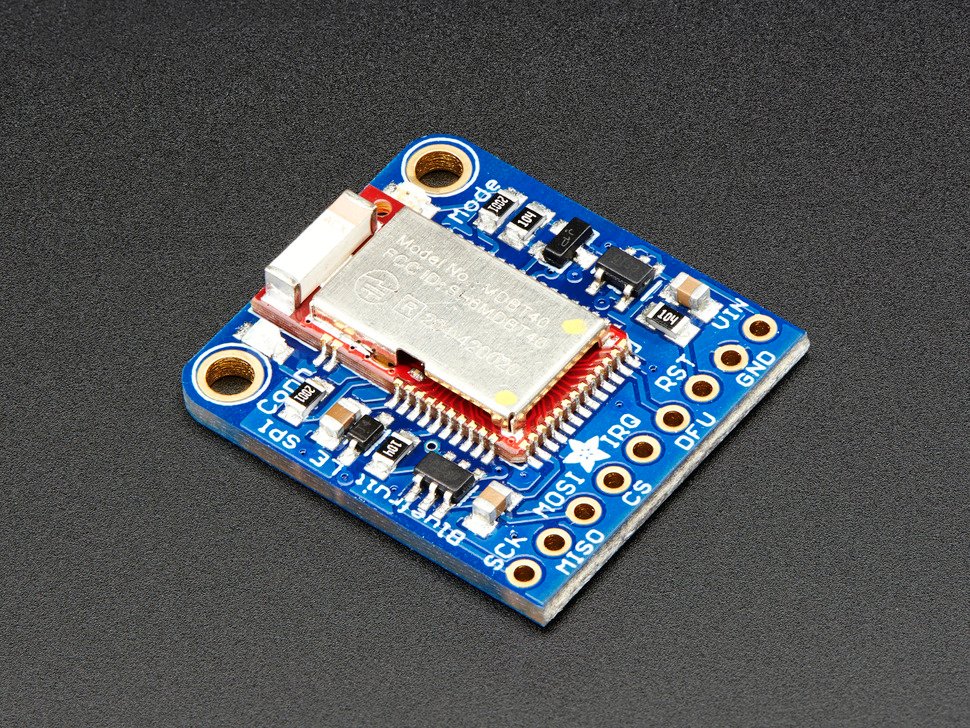
Draw a circuit diagram representing your bluetooth module, accelerometer+compass and button wired to the board.
BluetoothBluefruit SPI Breakout Board
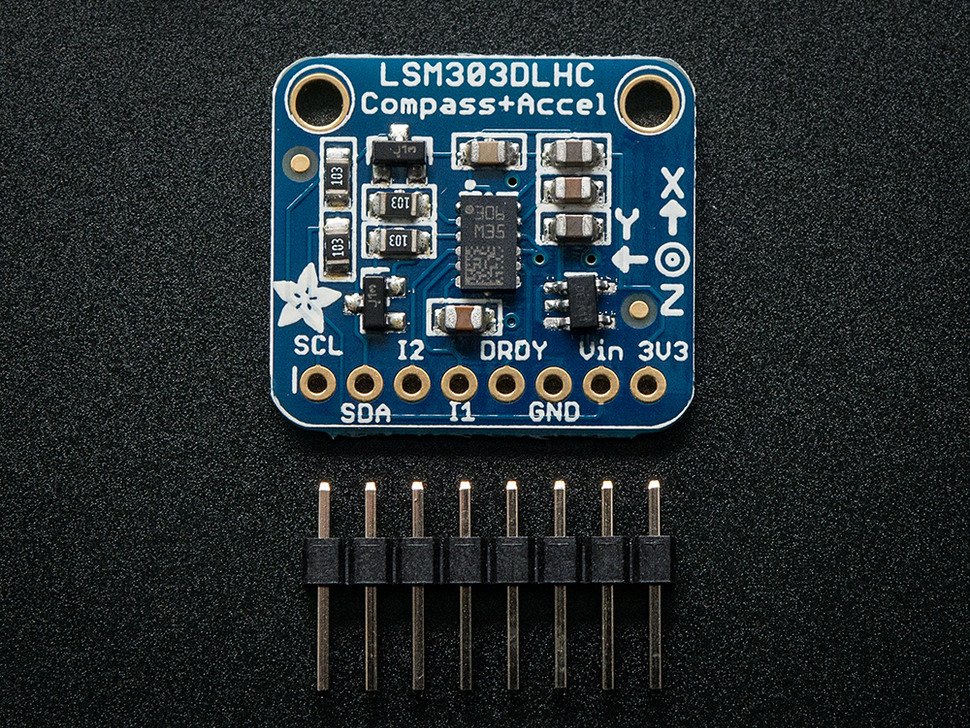
Accelerometer + MagnetometerTriple-axis Accelerometer+Magnetometer LSM303DLHC
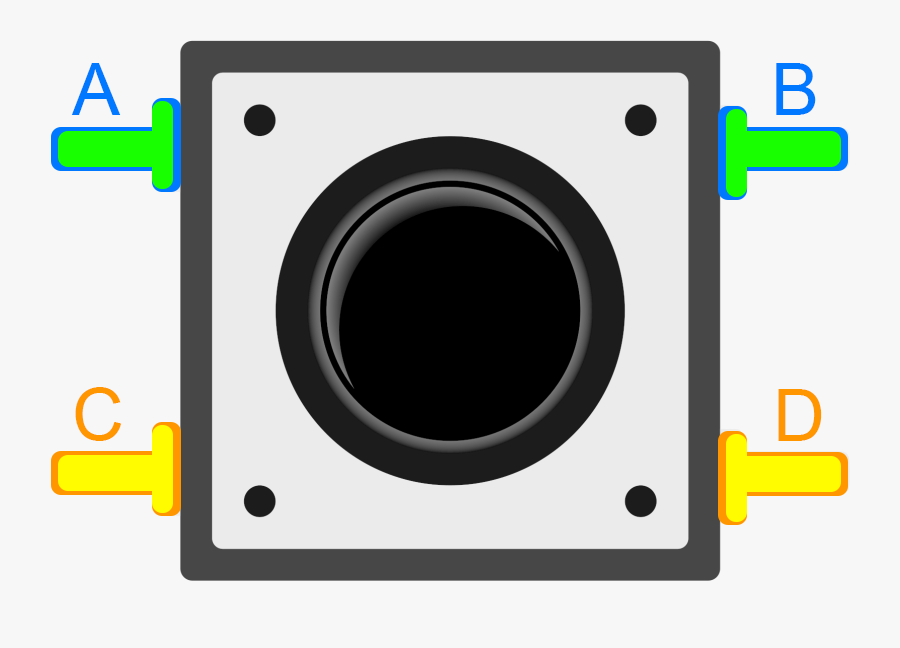
Button
|
Part 2: Bluetooth Breakout Board |
Wire the Bluetooth Breakout BoardAccording to your circuit diagram, wire the bluetooth breakout board. 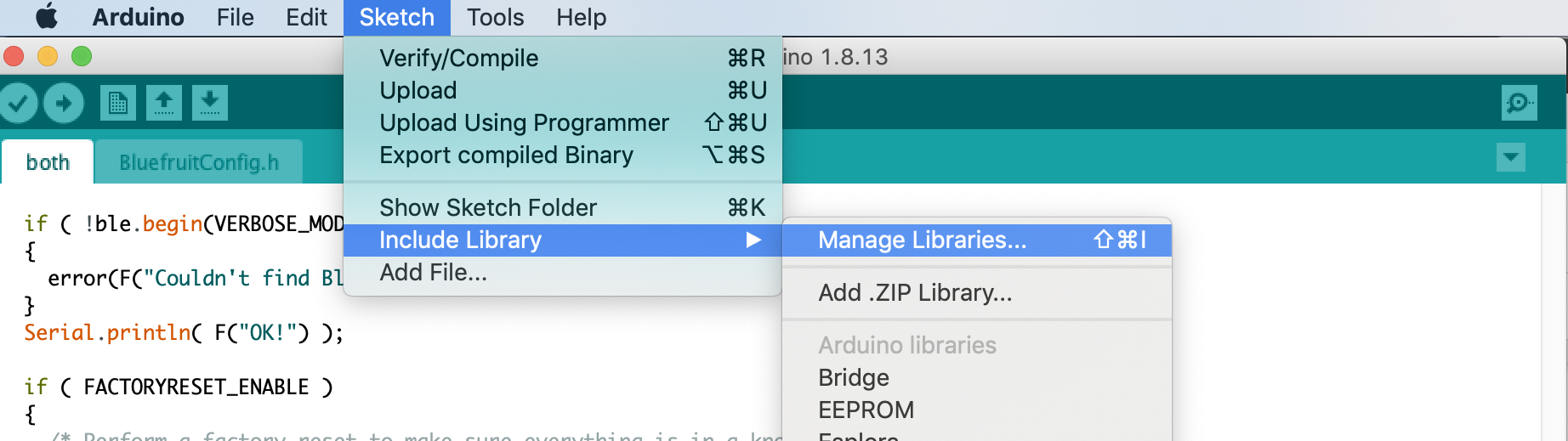
Install the Bluetooth LibraryThe lab computers already have the required bluetooth library. If you plan to be only using the lab computers for programming your microcontroller you can skip this step. To start, load the Arduino IDE. Then use the menus at the top to select Sketch -> Include Library -> Manage Libraries... Use the searchbar to find the library Adafruit BluefruitLE nRF51. Click Install. 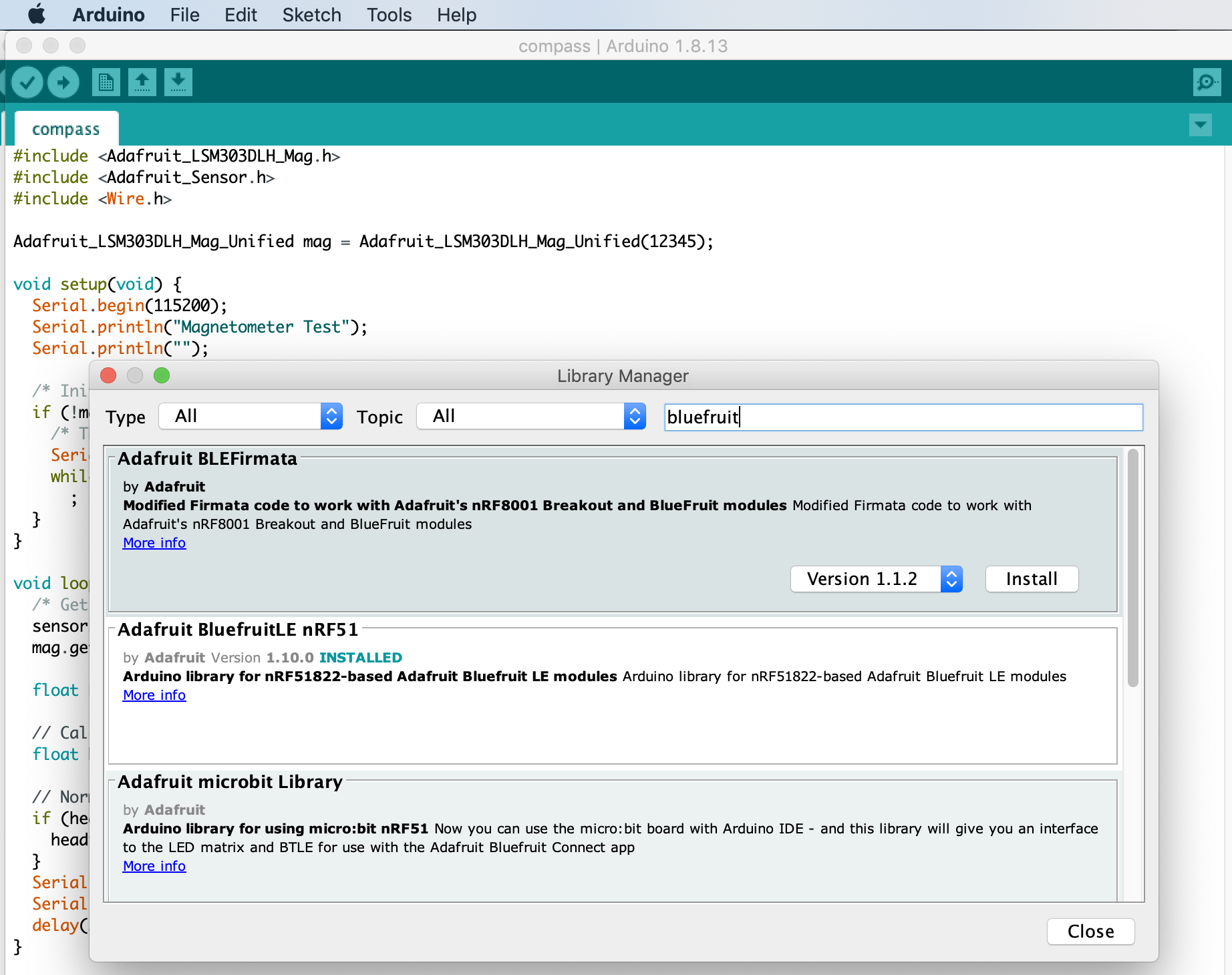
Test the Keyboard Demo
|
Part 3: Accelerometer + Magnetometer Breakout Board |
Wire the Accelerometer + Magnetometer Breakout BoardReview the information on how to setup and test your breakout board. According to your circuit diagram, wire the Accelerometer + Magnetometer breakout board. 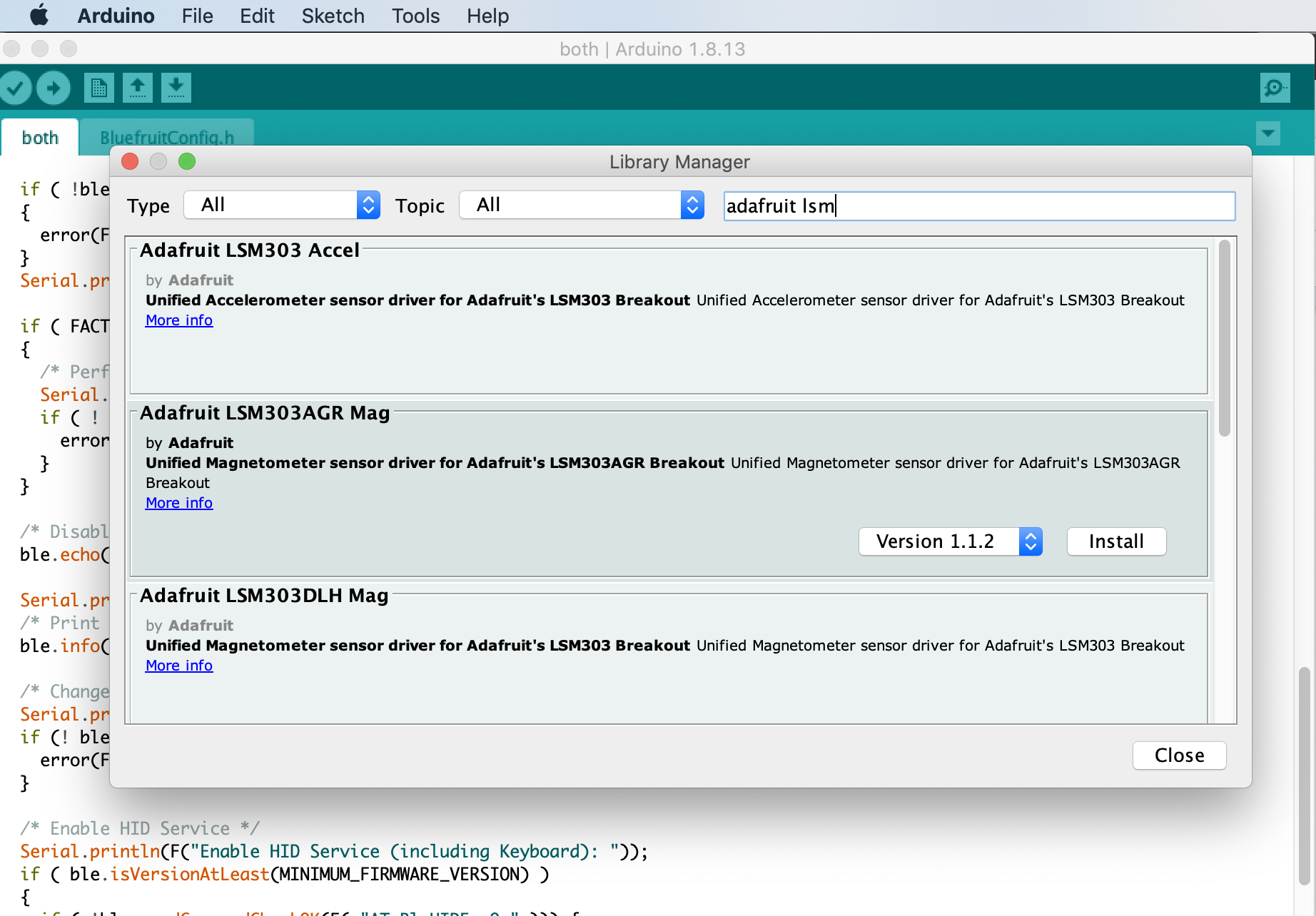
Install the LSM303 LibrariesUse the menus at the top to select Sketch -> Include Library -> Manage Libraries... Use the searchbar to find "Adafruit LSM303 Accel" and "Adafruit LSM303DLH Mag" libraries. Install them both. When installing "Adafruit LSM303 Accel" a popup will ask if you would like to install dependencies. Click "Install all". Test the Accelerometer and Compass Demos
|
Part 4: Button and Programming |
Wire your button according to your circuit diagram. Create an interrupt to toggle a boolean "on" and "off" when this button is pressed. Create a program that is registered like a bluetooth keyboard. When the button is pressed, the keyboard prints compass and accelerometer data to the Adafruit_BluefruitLE_SPI object once every 3 seconds. When the button is pressed again the arduino stops writing to the Adafruit_BluefruitLE_SPI. |
Check-in |
Check-inThe goal is for you to have the bluetooth and accelerometer working by the check-in. It's okay if you don't, just submit a check-in (video&doc) of what you have done so far and you'll receive 75% on the check-in (-5% of your project grade). You can only turn in extensions if your check-in is ontime and complete.Submit a video and Check-in document on Google ClassroomUpload a 0.5-2 minute Documentation Video with narration.
|